





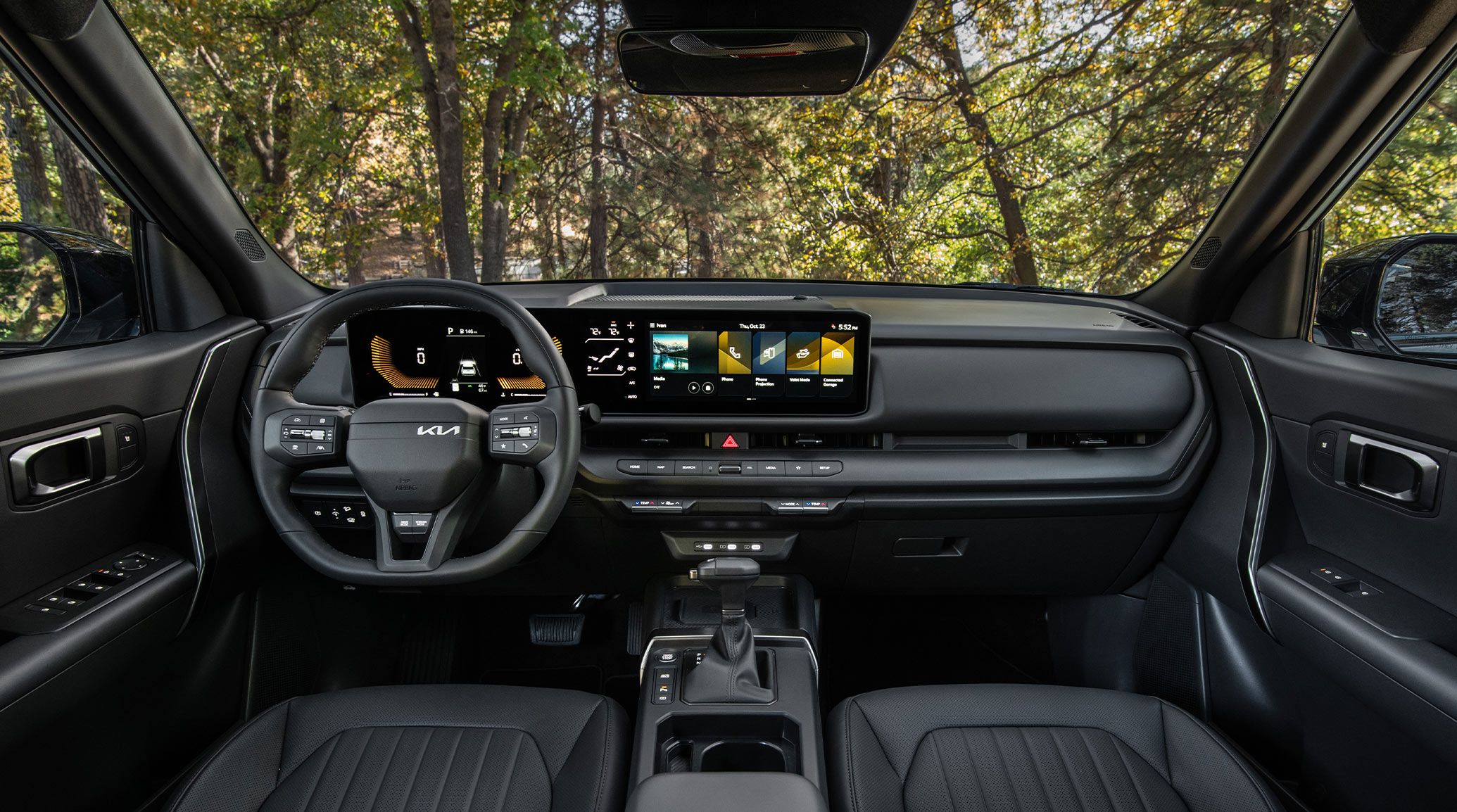
Connecting Your Kia to Your Home
Modern Kia vehicles are designed with advanced technology features that make everyday driving more convenient. One available feature that many Kia owners appreciate is HomeLink®, an integrated system that allows you to control compatible garage doors, gates, and smart home devices directly from your vehicle.
Whether you recently purchased a new Kia or want to set up HomeLink® in your current vehicle, understanding the programming process can help you take full advantage of this convenient feature.
What Is HomeLink®?
HomeLink® is a built-in vehicle control system that replaces traditional handheld remotes by allowing drivers to program buttons inside their Kia to operate compatible devices around their home.
Garage Doors
Open and close your garage door without searching for a remote every time you arrive or leave home.
Gates & Entry Systems
Use HomeLink® with compatible gates and access systems for convenient entry to your home or community.
Smart Home Devices
Some compatible lighting and smart home products can also connect with HomeLink® for added convenience.
How to Program HomeLink® in Your Kia
Programming HomeLink® may vary slightly depending on your Kia model and garage door opener. In most cases, the process includes these steps:
Clear Existing Settings
If your Kia was previously owned or the buttons were programmed before, clear the stored settings before beginning the setup process.
Pair Your Remote
Hold your existing garage door remote close to the HomeLink® buttons and press the button you want to program while pressing the remote control button.
Complete Rolling Code Setup
Many modern garage doors use rolling code technology. You may need to press the Learn button on your garage door opener and complete the final pairing steps.
Test Your Connection
Press your programmed HomeLink® button to confirm that your garage door or compatible device responds correctly.
Benefits of Using HomeLink®
More Convenience
Keep your garage remote at home and use your Kia's built-in controls instead.
Cleaner Interior
Reduce clutter by eliminating additional remotes from your vehicle.
Added Security
A built-in system helps keep important access controls integrated with your vehicle.
Common HomeLink® Programming Issues
HomeLink® Does Not Respond
Try replacing the battery in your garage remote and repeat the programming process.
Garage Door Will Not Open
Your opener may require the rolling code programming step using the Learn button.
Previous Owner Settings
Clear existing HomeLink® programming before connecting your own devices.
Frequently Asked Questions
Does every Kia vehicle come with HomeLink®?
HomeLink® availability depends on the Kia model, year, and trim level. Check your vehicle's features to confirm availability.
Can HomeLink® control multiple garage doors?
Yes. Many HomeLink® systems allow you to program multiple buttons for different compatible devices.
Can University Kia of Durham help program HomeLink®?
Yes. Our team can help answer questions about Kia technology features and provide assistance with vehicle setup.
Explore Kia Technology at University Kia of Durham
At University Kia of Durham, we help drivers get the most out of their Kia vehicles. From advanced technology features like HomeLink® to connected services and driver assistance systems, our team is here to make your ownership experience simple and enjoyable.
Whether you are shopping for a new Kia, scheduling service, or learning more about your vehicle's features, our knowledgeable team is ready to help.